Here is how to upload Instagram posts to Threads, so that every time you post on Instagram, the post gets automatically posted on Threads (and any other social networks you select).
Using OneUp, you first connect your Instagram account and Threads account (and any other social network you want to autopost to):
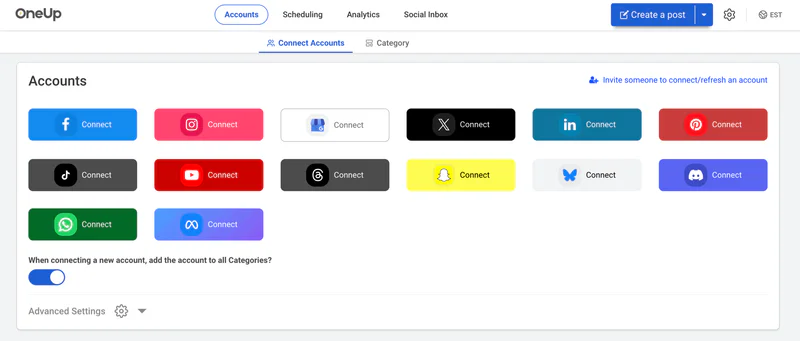
Then choose “Cross-posting” from the Create A Post dropdown options:

Then choose Instagram as the “Post from” account, and choose Threads (and any other social network you want) as the “Post To” account:

That’s it! Now moving forward, whenever you post on Instagram, it will automatically post to your Threads account with 2 hours of the original post.
Or you can optionally choose to add a delay so that it doesnt post to Threads until after a few hours or days.
Here is a video showing how the autoposting process works in OneUp:
FAQ
Does this work with both image posts and video posts?
Yes, OneUp’s cross-posting works with both image and video posts, so that whenever you post an image or video post on Instagram, it will automatically post to your Threads account automatically.
If I add music to my Instagram video post, will that music also be added to the Threads post?
Yes, it will post the video with the music to Threads.
So this works even if I post to the Instagram account from the Instagram mobile app?
Yes, this works regardless of whether you post to Instagram from the Instagram mobile app, from instagram.com, or from a scheduling tool.
Does this work for autoposting from Instagram to multiple different Threads accounts at the same time?
Yes, OneUp’s crossposting feature allows you to autopost from Instagram to multiple Threads accounts at the same time.