Yes, you can schedule Facebook posts on a personal profile BUT ONLY if your personal Facebook profile is in Professional Mode (You can turn on Professional Mode here).
What if you dont want to turn on Professional Mode though?
Or what if you are trying to schedule posts to your personal Facebook profile so they publish to Facebook and Instagram, YouTube, TikTok, etc at the same time?
Here is how to schedule posts to a personal Facebook profile that is NOT in Professional Mode.
Here is how to schedule posts to a personal Facebook profile that are NOT in Professional Mode, that publish directly (no mobile notifications needed) using Instagram's "Also share on" cross-posting feature:
Schedule the post to an Instagram account
Toggle on the "Also share on" and choose your personal Facebook profile. This works with personal, creator, or business Instagram accounts.
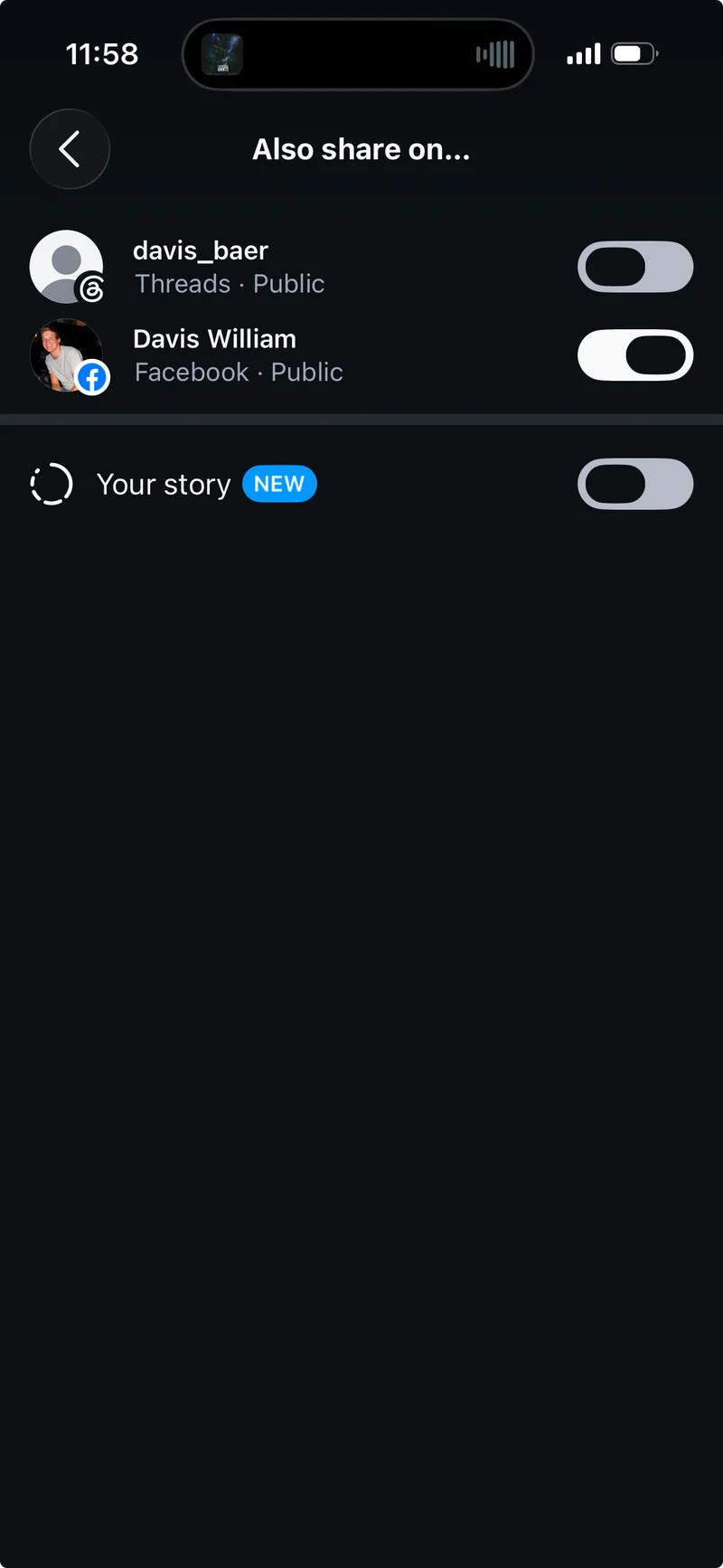
Then you can schedule out your post up to 30 days in advance in the Instagram app.
Tips:
- If you dont have an Instagram account, or dont want to share the same posts on your primary Instagram account, you can create a dummy Instagram account for the sole purpose of being able to schedule posts and those posts getting cross-posted to your personal Facebook profile.
- If you dont see your personal Facebook profile as an option in the "Also share on" part of the Instagram app, make sure you have your personal Facebook profile linked in the Meta Accounts Center (under "Connected Experiences" ➡️ "Sharing across profiles"): https://accountscenter.instagram.com/connected_experiences/
Trying to post to a personal Facebook profile at the same time as posting to Instagram, YouTube, TikTok, etc?
If you are trying to have your posts publish everywhere (including to your Facebook profile), the suggestion is to follow the steps above ☝️...
AND as long as your Instagram account is a Business or Creator account, you can use OneUp's cross-posting feature to automatically post anything that is published on your Instagram account to YouTube, TikTok, X, LinkedIn, and more.
You create a post in the Instagram app ➡️ That post gets shared to your personal Facebook profile, YouTube, TikTok, and any other social networks you select