So you are trying to schedule out your Pins on Pinterest. You schedule out 30 days of Pinterest Pins using Pinterest’s scheduler.
Then you try to schedule a Pin for more than 30 days out, and realize that Pinterest only lets you schedule Pins up to 30 days in advance.
Every date after that is grayed out: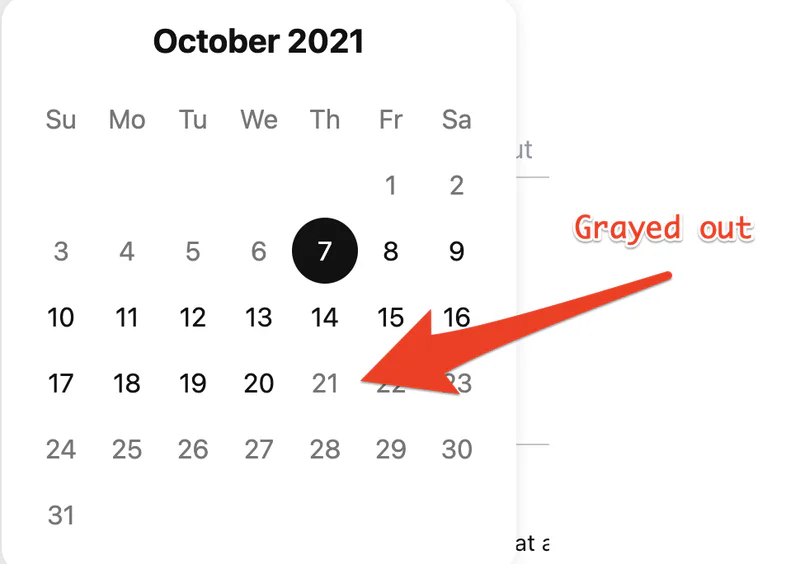
The solution?
Use a social media scheduling tool like OneUp.
With OneUp, you can schedule your Pinterest Pins as far into the future as you’d like.
Here’s how it works:
How to schedule Pinterest Pins more than 30 days into the future
First, connect your Pinterest account from the Accounts page in OneUp: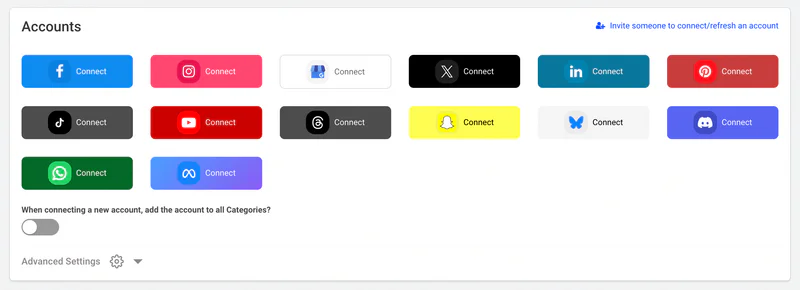
Then click the “Create a post” button in the top right corner.
Just like on Pinterest, OneUp supports Pin titles, descriptions, and destination links for your Pins:
Then choose for it to either post once or automatically repeat at whatever interval you want, and then choose when you would like to schedule this Pin for.
As mentioned before, you can schedule your Pinterest Pins as far into the future as you want. You are not limited to the 30 day window like when using Pinterest’s native scheduler, nor are you limited to the 10 scheduled post limit that Pinterest has natively.
Check out OneUp